
Publishing to Notion’s Integration Gallery
Notion’s integration gallery
Questions? Please reach out developers@makenotion.com
Notion’s integration gallery is the single destination where customers discover, learn about, and install integrations. For the first time, we are allowing developers to self-serve submit their integrations to the gallery, which used to be an invite-only process. Find more information about the new functionality and integration best practices below. We look forward to seeing your Notion integration on the gallery! 🪩
New functionality
-
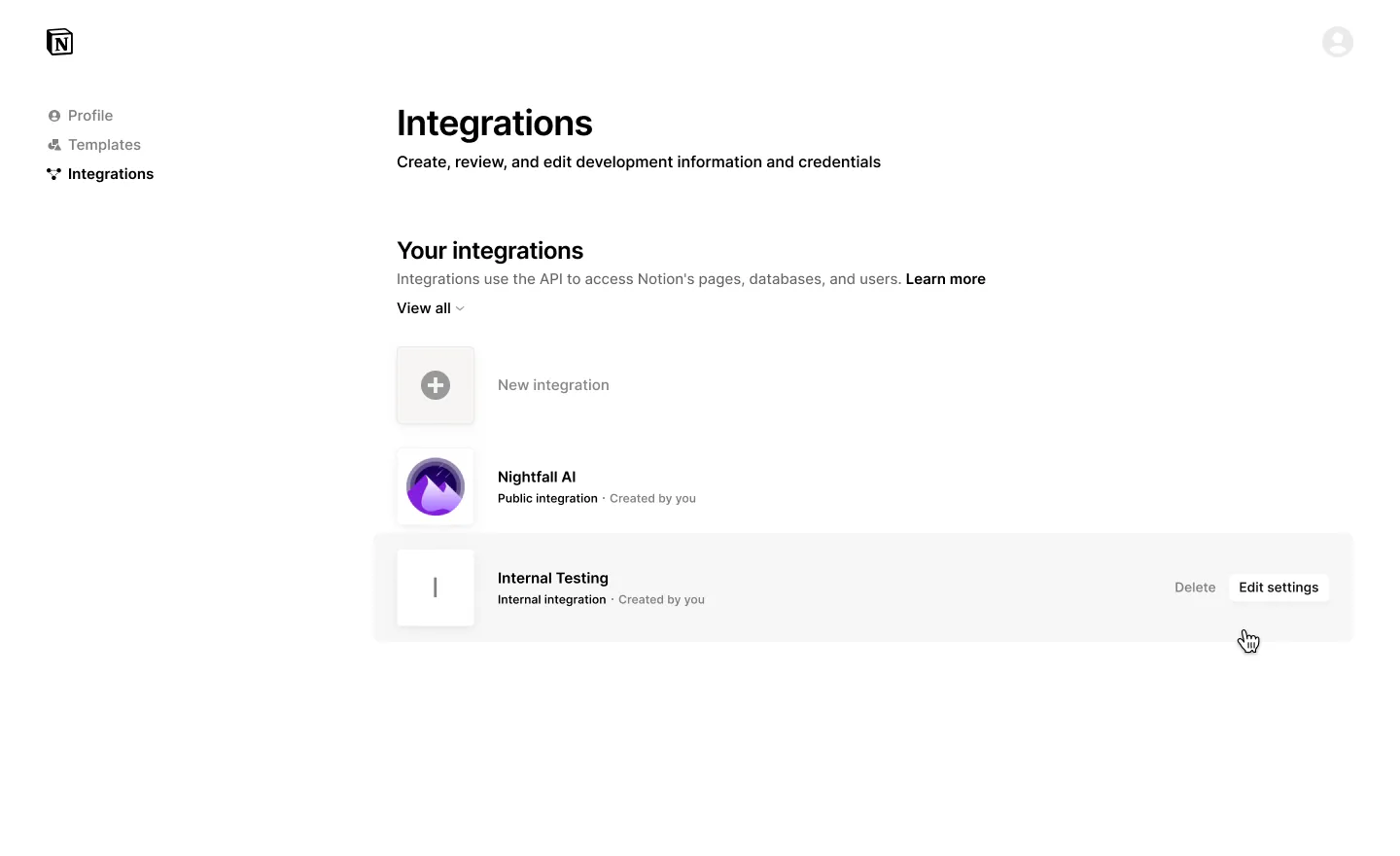
🆕 Create & manage integrations
- Updated profile UI that merges Notion creators, whether you build templates or integrations
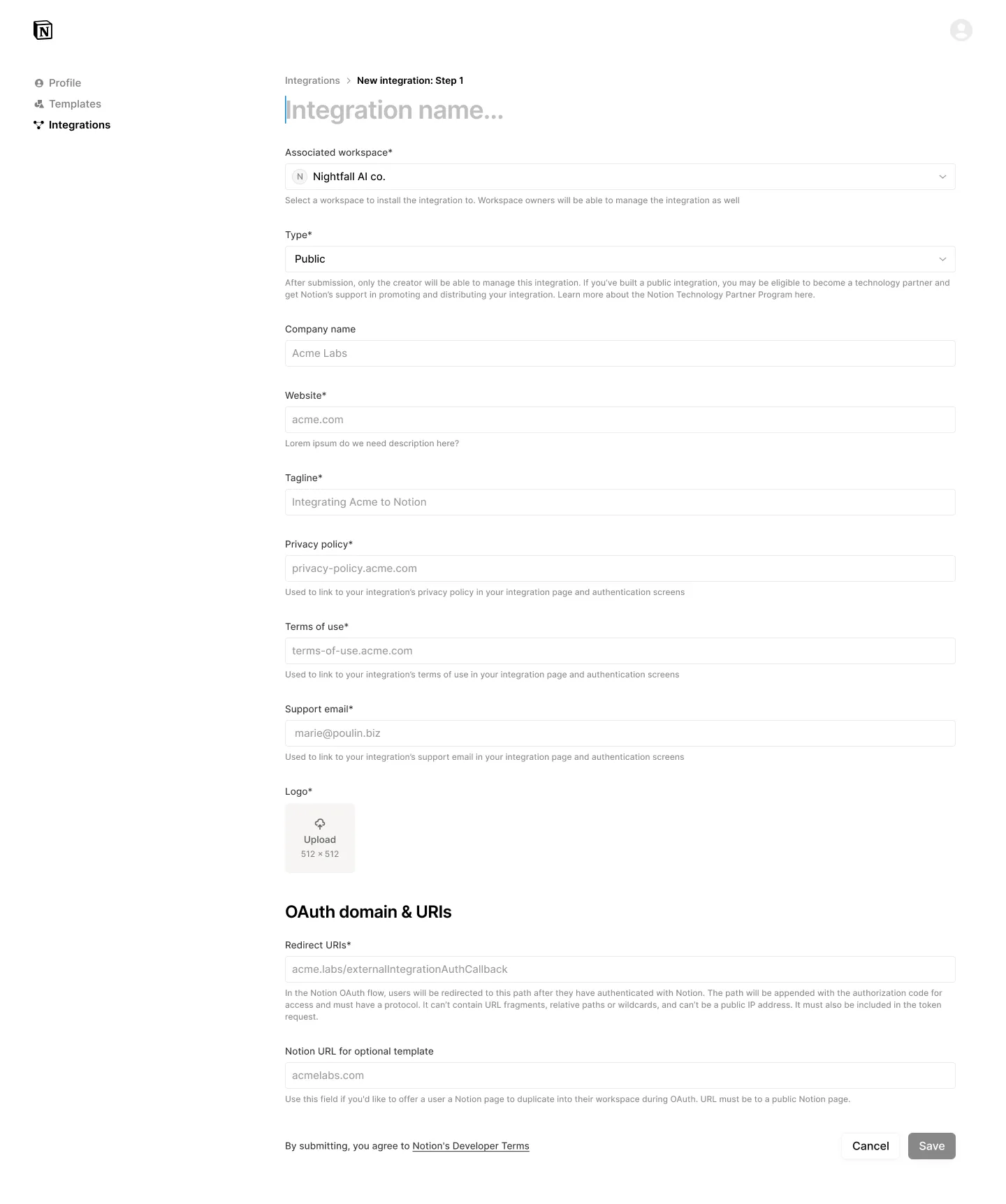
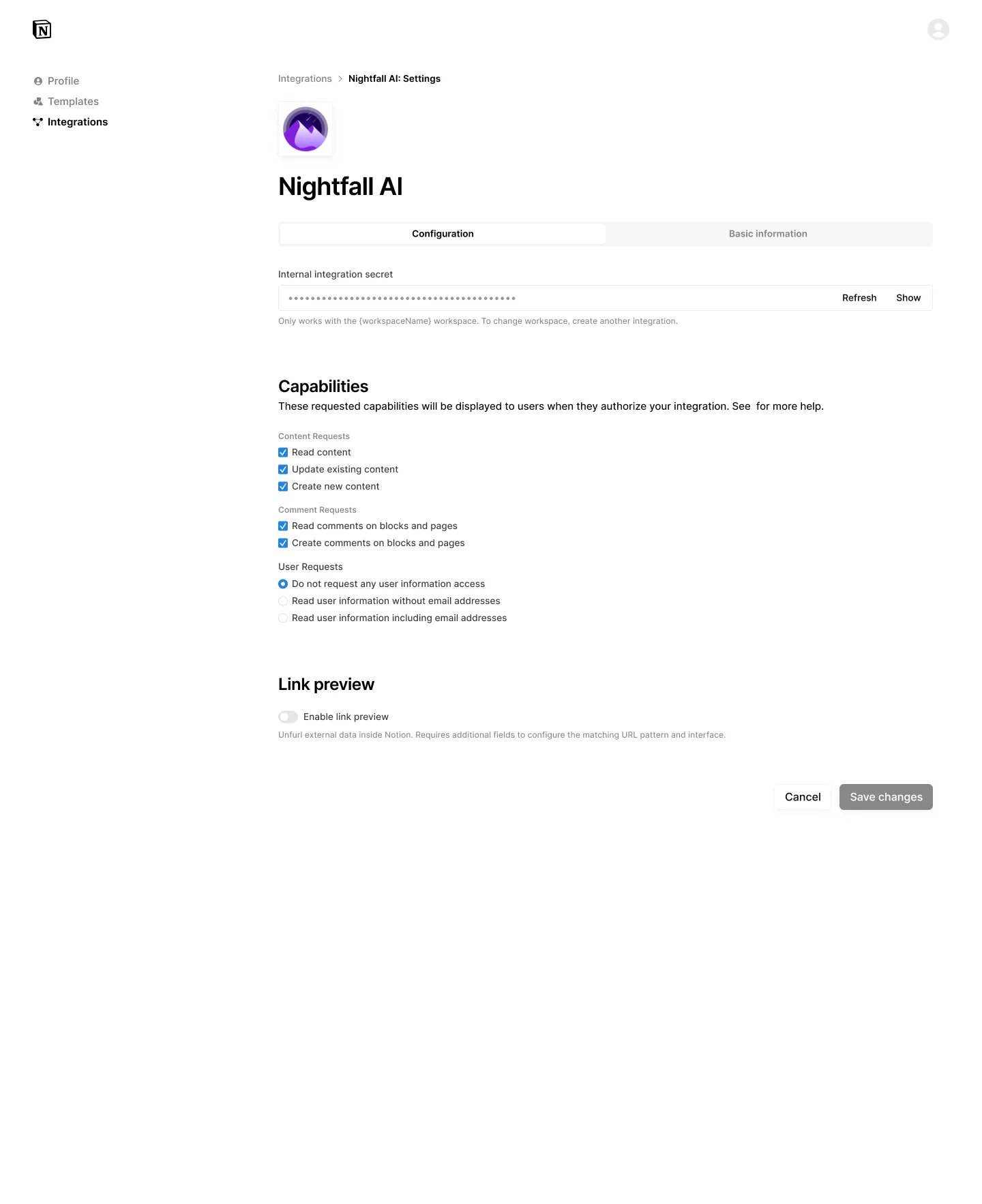
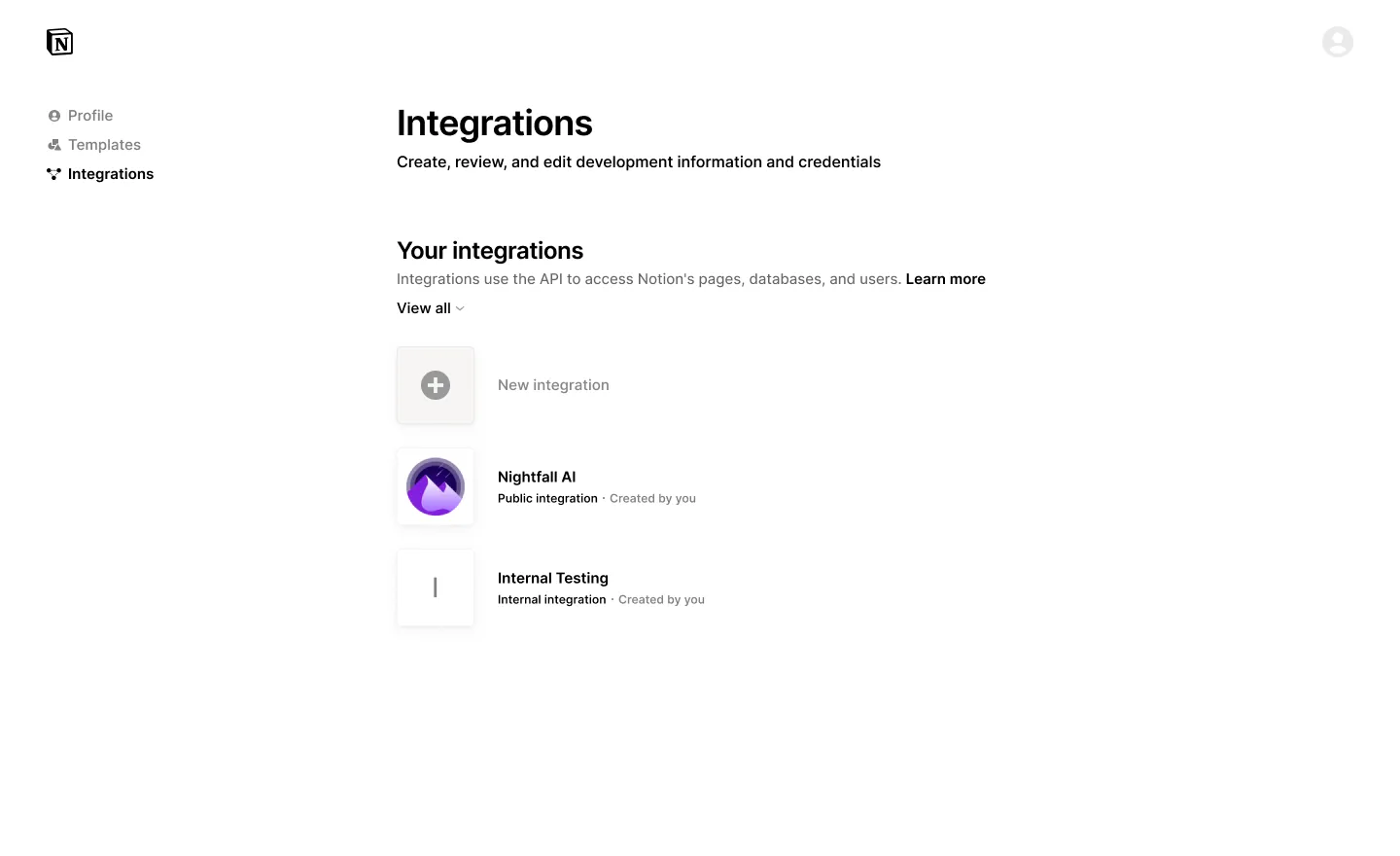
- UX improvements to integration creation & management functionality
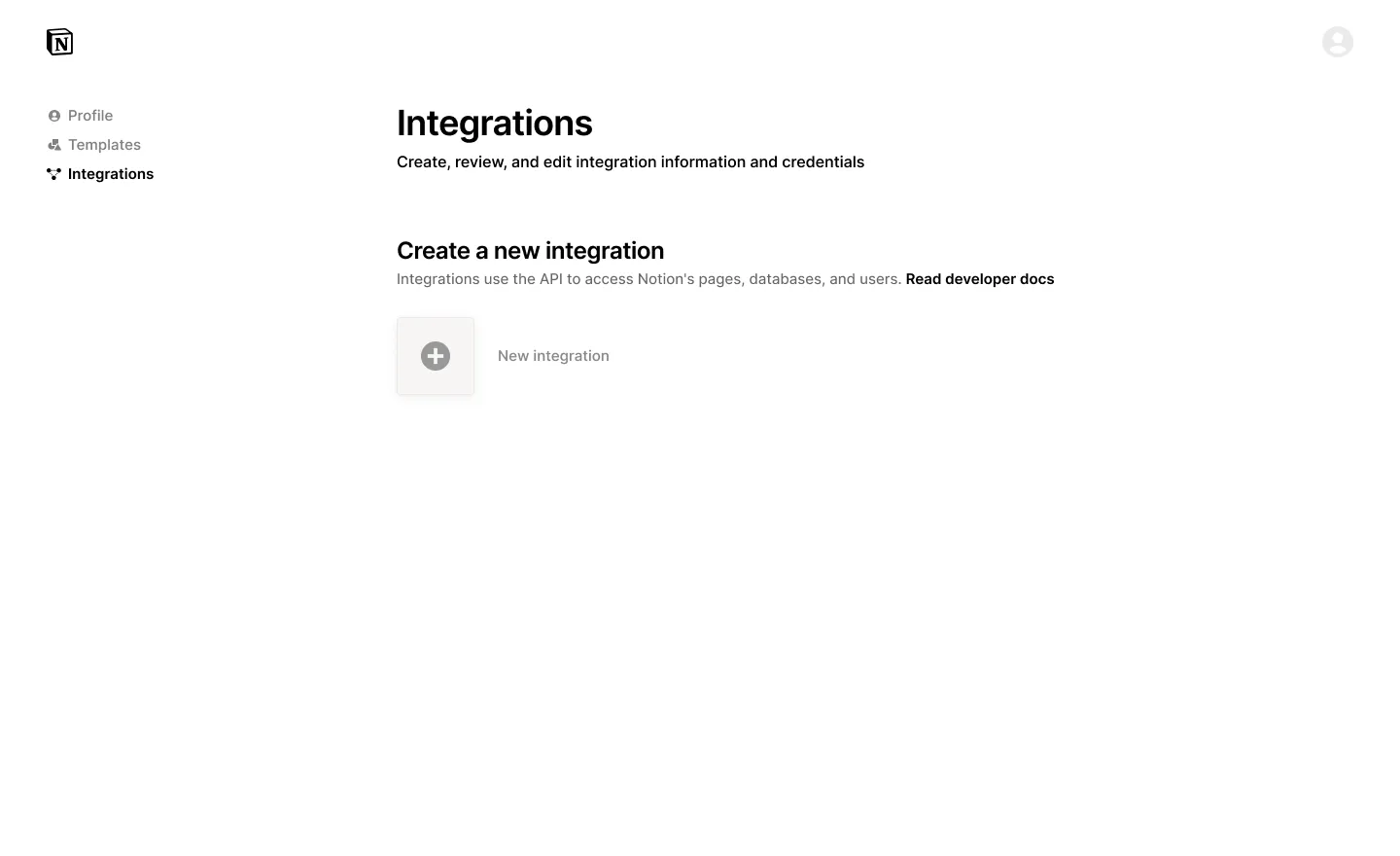
Modified UI to create a new integration where creators build creator profiles and submit templates
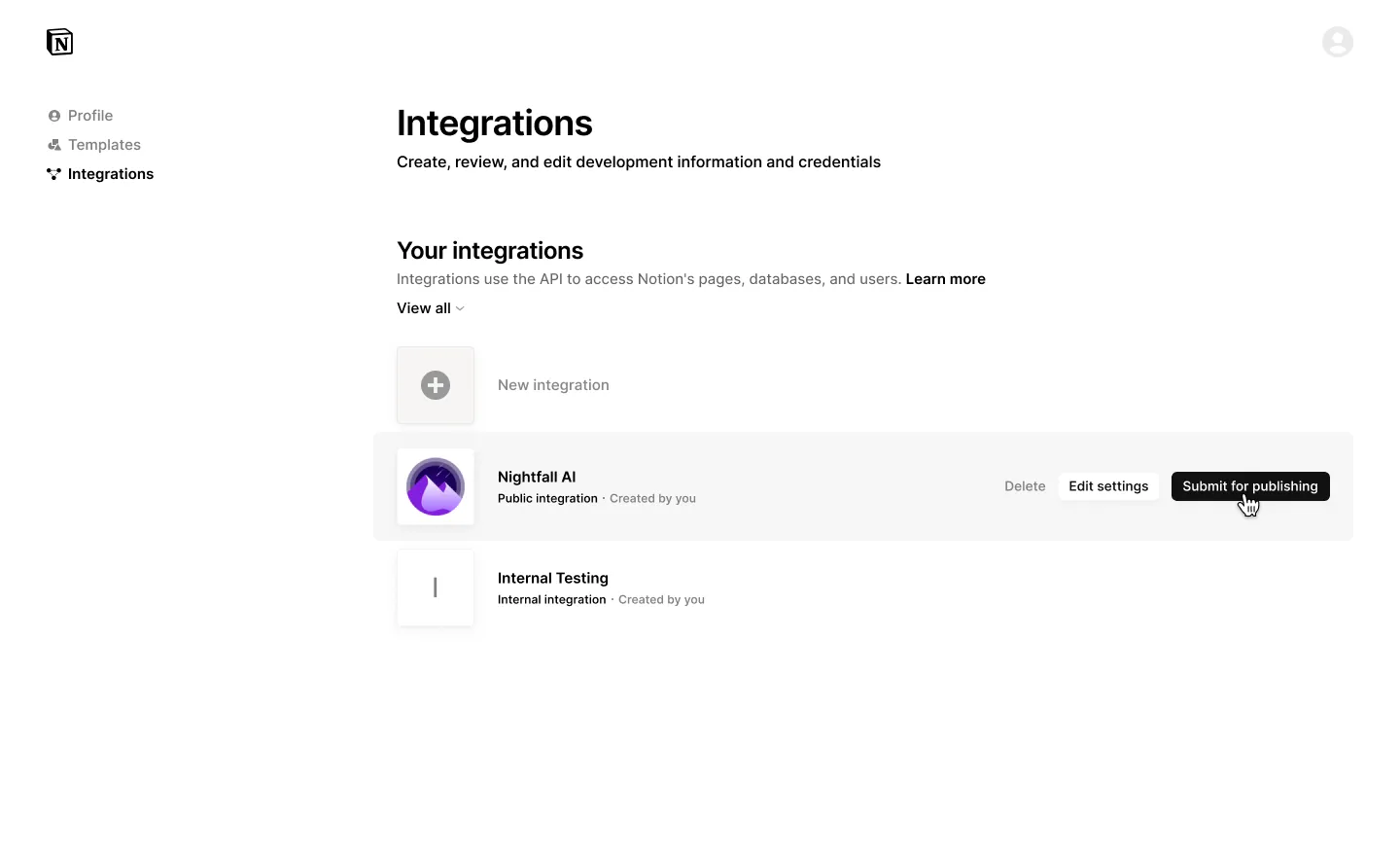
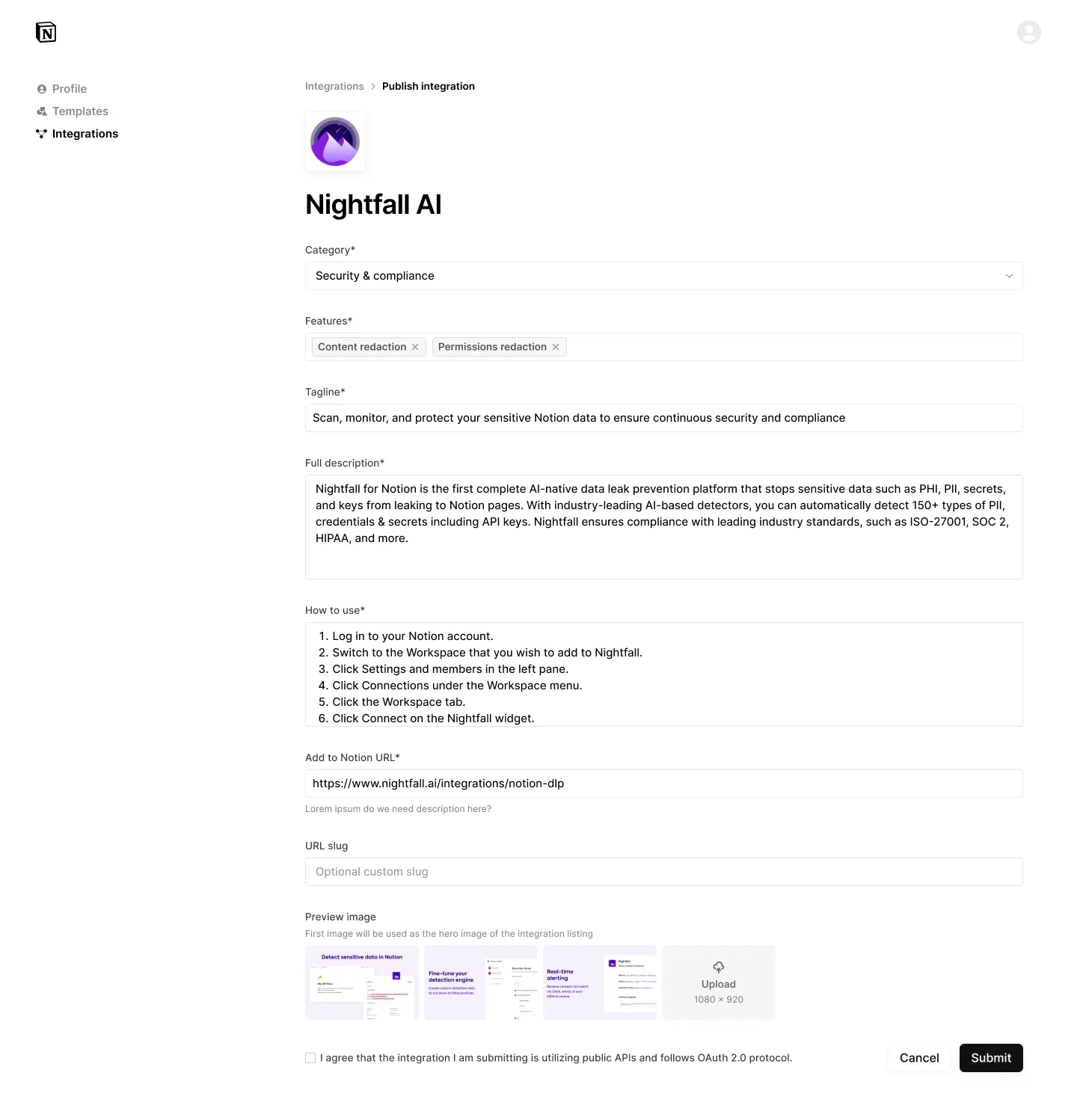
- 🆕 Publish Integration
- Ability to submit public integration for listing in integration gallery. We are only publishing Public API or Link Preview integrations at this time.
- Review and feedback from the Notion team through new process.
Integration Gallery best practices
Interested in understanding more about the review process and best practices to be approved for publishing? Check out this guide:
Notion Integration Gallery Best Practices
Frequently asked questions
How long will it take for Notion to publish my submitted integration?
After submission, expect to hear back from our team within 5-10 business days via email. You can also check the status of your integration submission from your creator controls dashboard.
What if my integration doesn't meet the requirements?
You’ll receive an email notification from our team and an updated notice in the integration management settings to know why your integration was rejected.
What if my integration is rejected?
Integrations are rejected for various reasons from brand/trademark issues, to quality concerns, to situations where the baseline integration criteria isn’t met. We encourage developers to review our feedback, make necessary changes, and resubmit your integration. Our goal is to help you create high-quality and valuable tools for the Notion community to jointly serve our customers.